 Bizzy
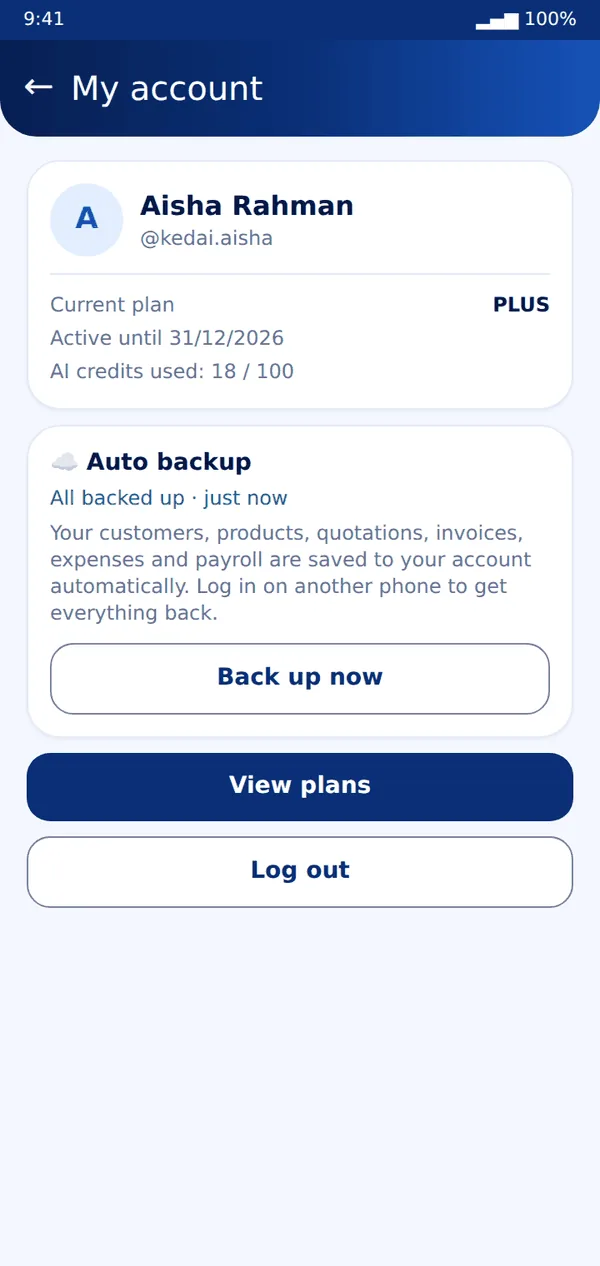
Bizzy- Create an account (More → Account). Bizzy then backs up automatically a few seconds after each change.
- To back up straight away, tap Account → Back up now.
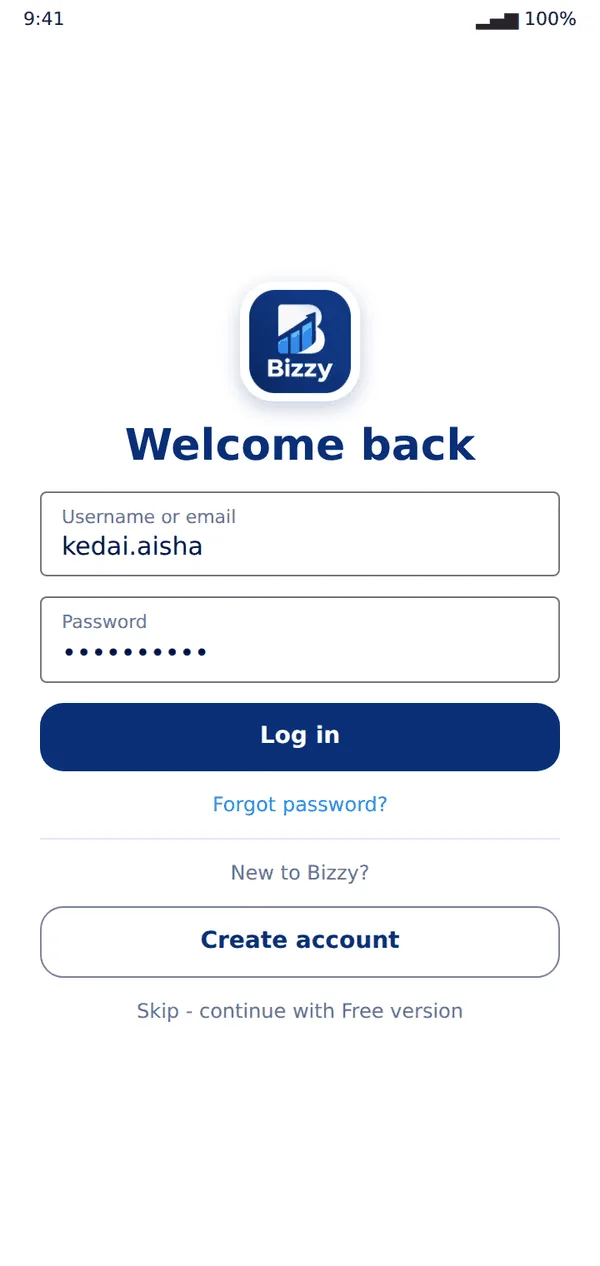
- On a new phone, log in with the same username and password. Everything is restored before the app opens.
Tip: Logging out backs up first, then clears that phone. Your data stays safe in your account.
Still stuck? Message us on WhatsApp and we will help.