 Bizzy
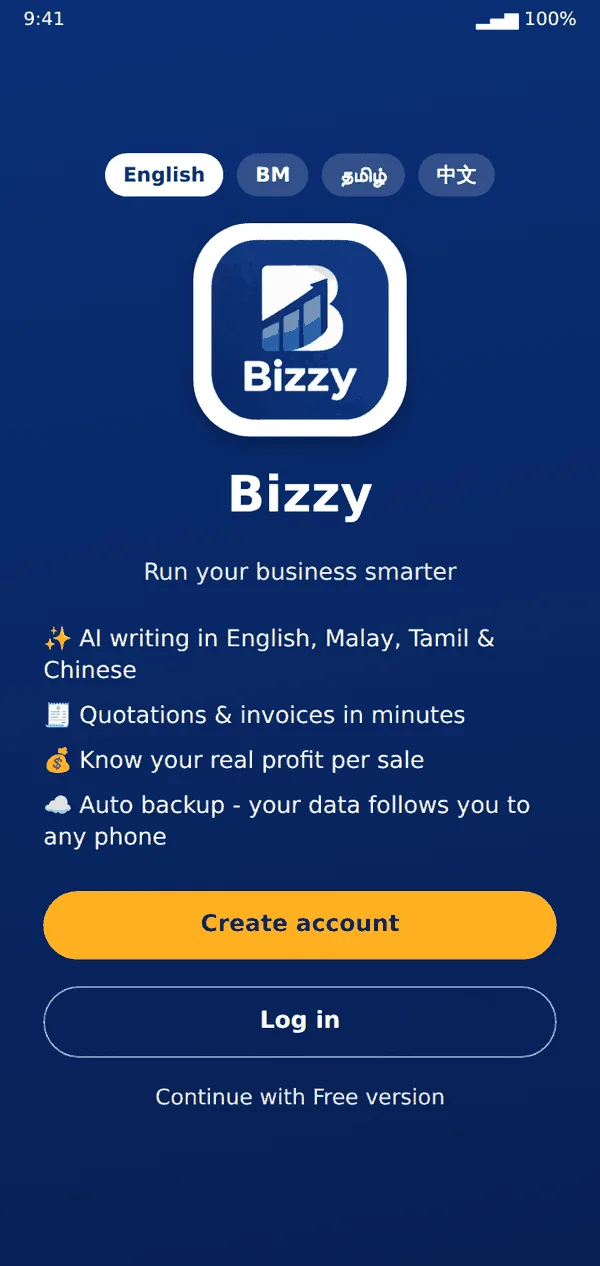
Bizzy- Open Bizzy and choose your language: English, Bahasa Melayu, Tamil or Chinese. You can change it later in More → App language.
- Tap Create account to back up your data and use more than one phone, or Continue with Free version to try it first.
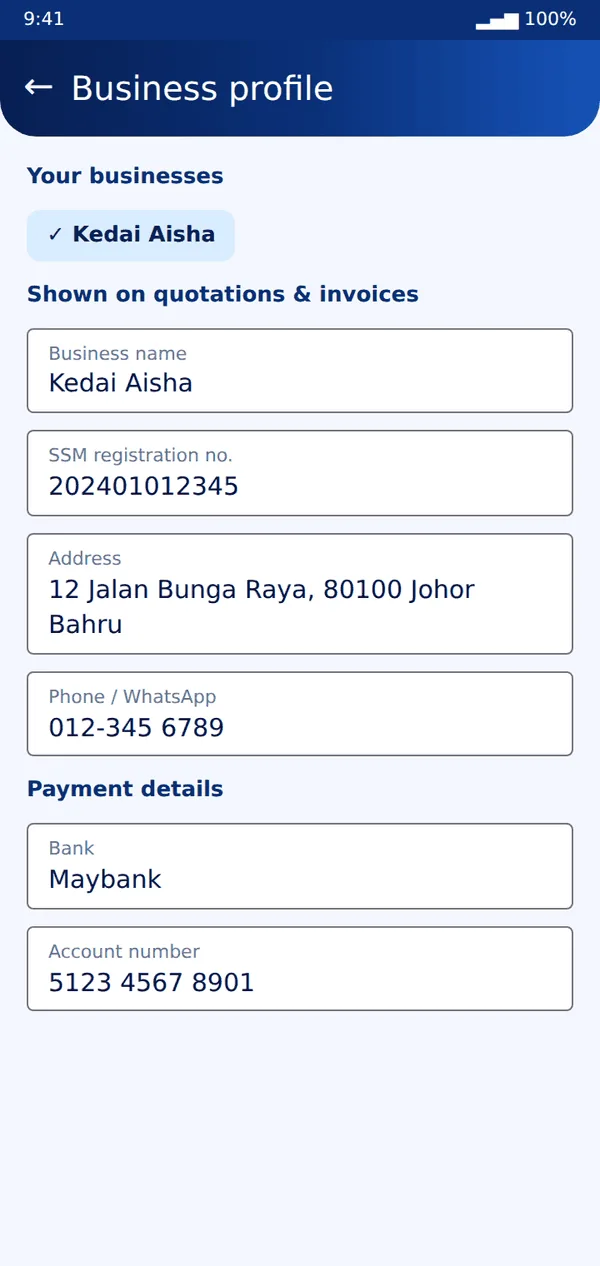
- Go to More → Business profile. Enter your business name, SSM number, address, phone and bank details. These appear on your quotations and invoices.
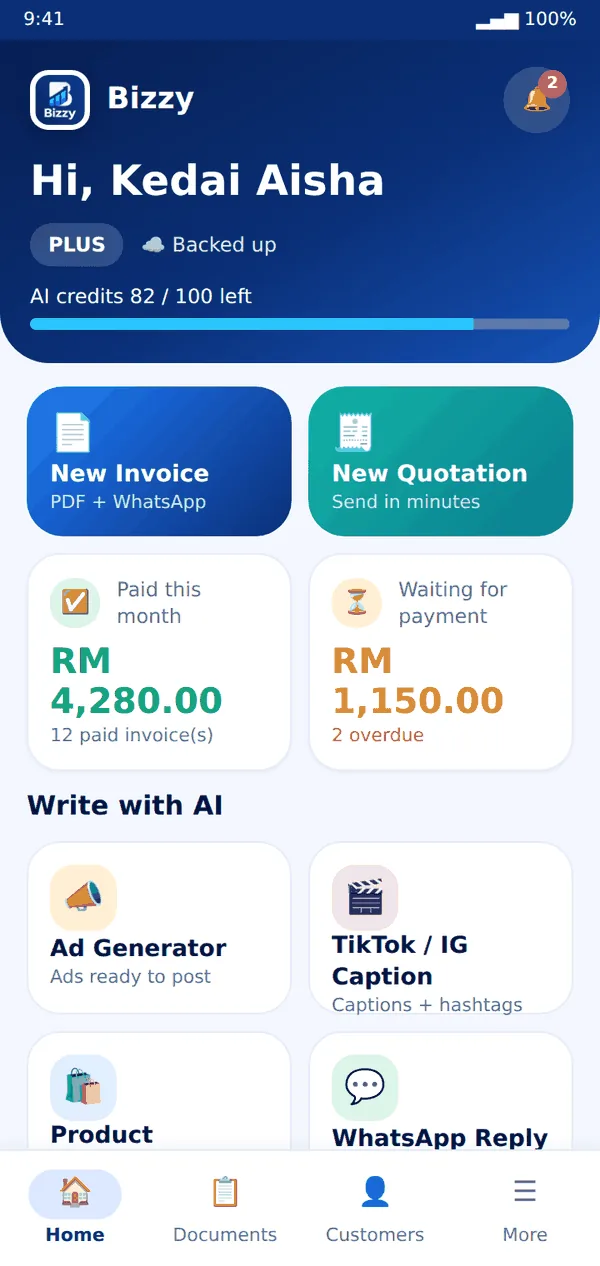
- The Home screen shows what you were paid this month, what is waiting for payment and all the tools.
Tip: You can add a tax name (for example SST) and a default rate in the business profile. It is added to new documents automatically.
Still stuck? Message us on WhatsApp and we will help.