 Bizzy
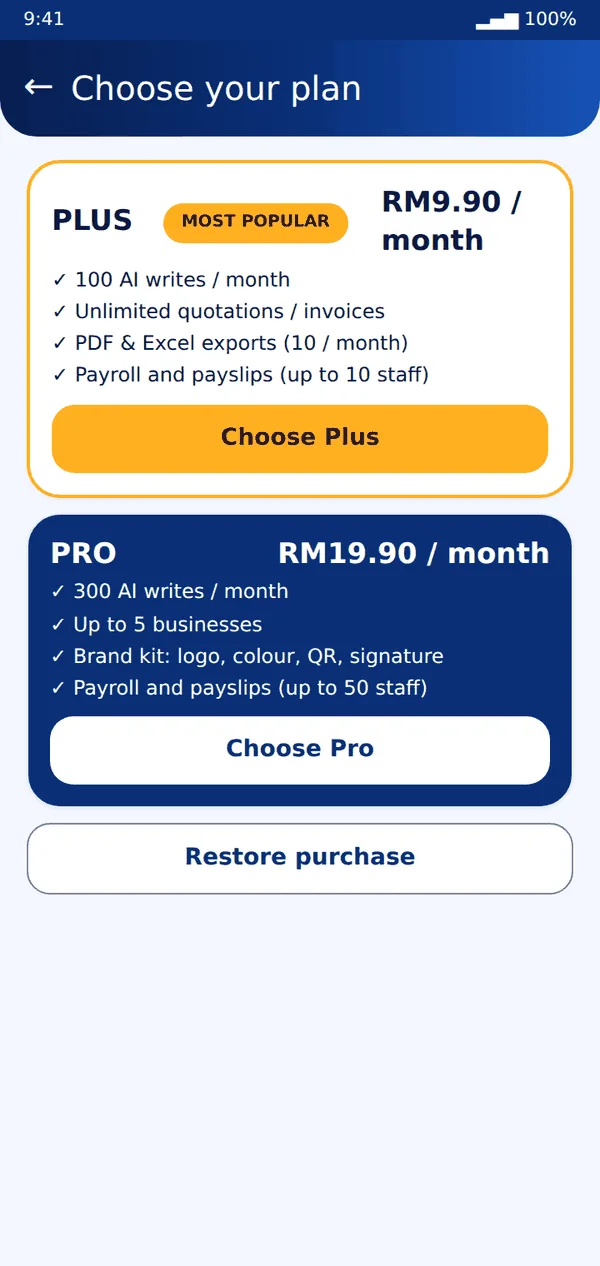
Bizzy- Open More → Plan to compare Free, Plus and Pro.
- Tap Choose and pay with Google Play. Your plan turns on in a moment. If it does not, tap Restore purchase.
- To cancel, open the Google Play app, then Payments and subscriptions, then Subscriptions, then Bizzy.
Tip: You keep your plan until the end of the period you paid for.
Still stuck? Message us on WhatsApp and we will help.