 Bizzy
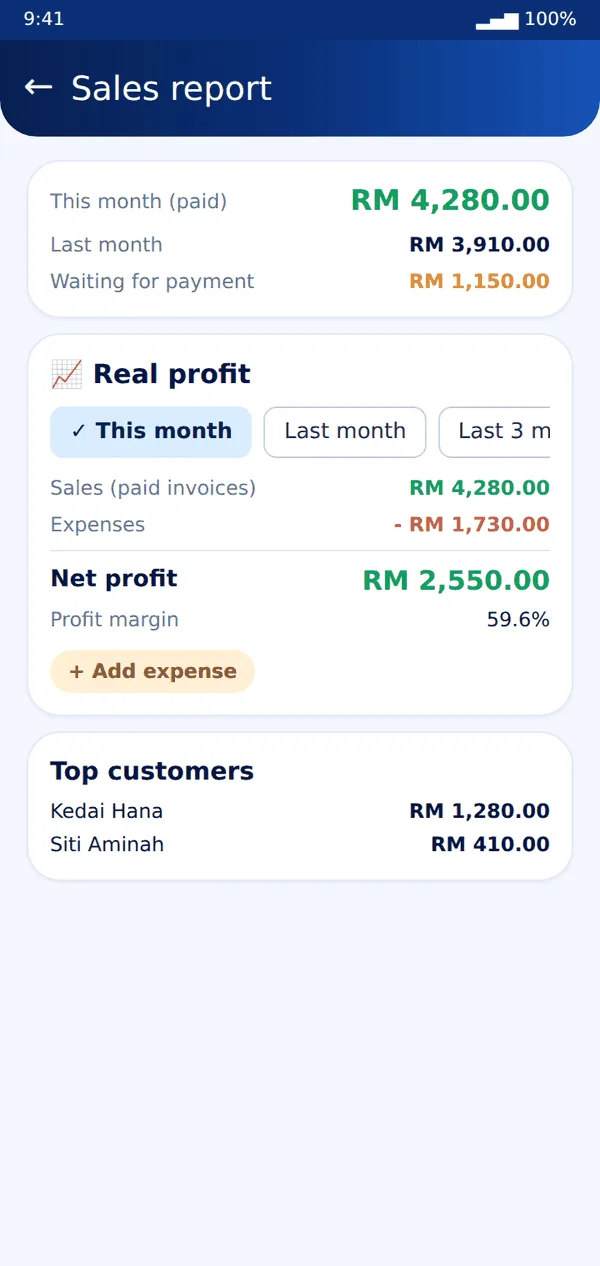
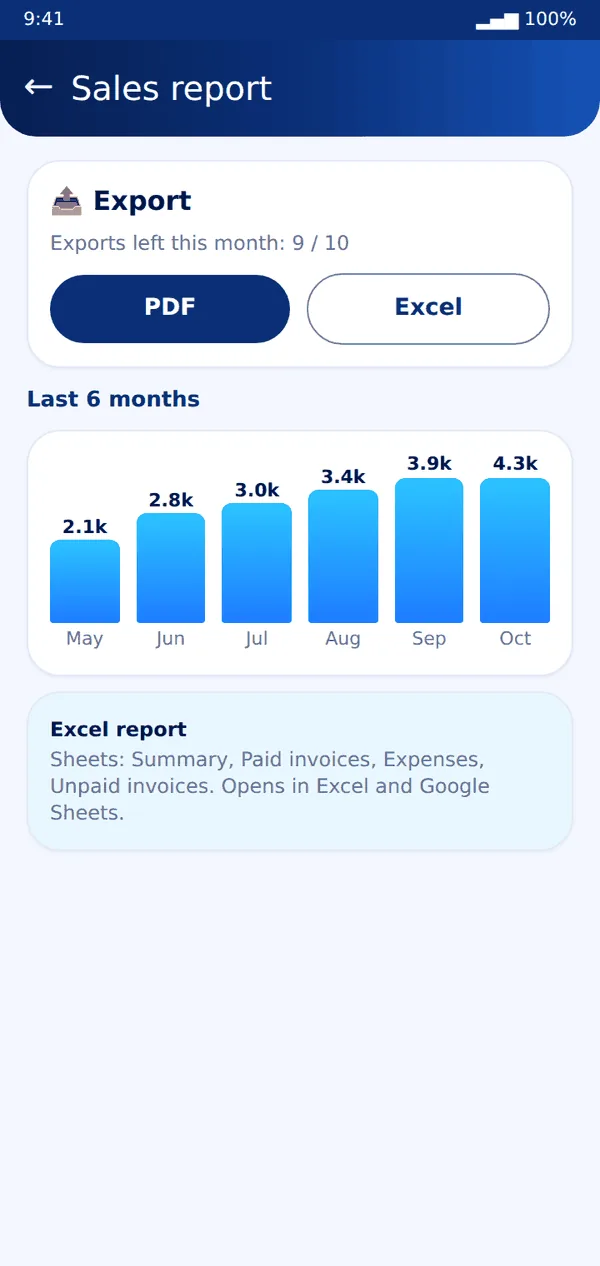
Bizzy- Open More → Sales report to see paid sales, unpaid invoices, your best customers and the last six months.
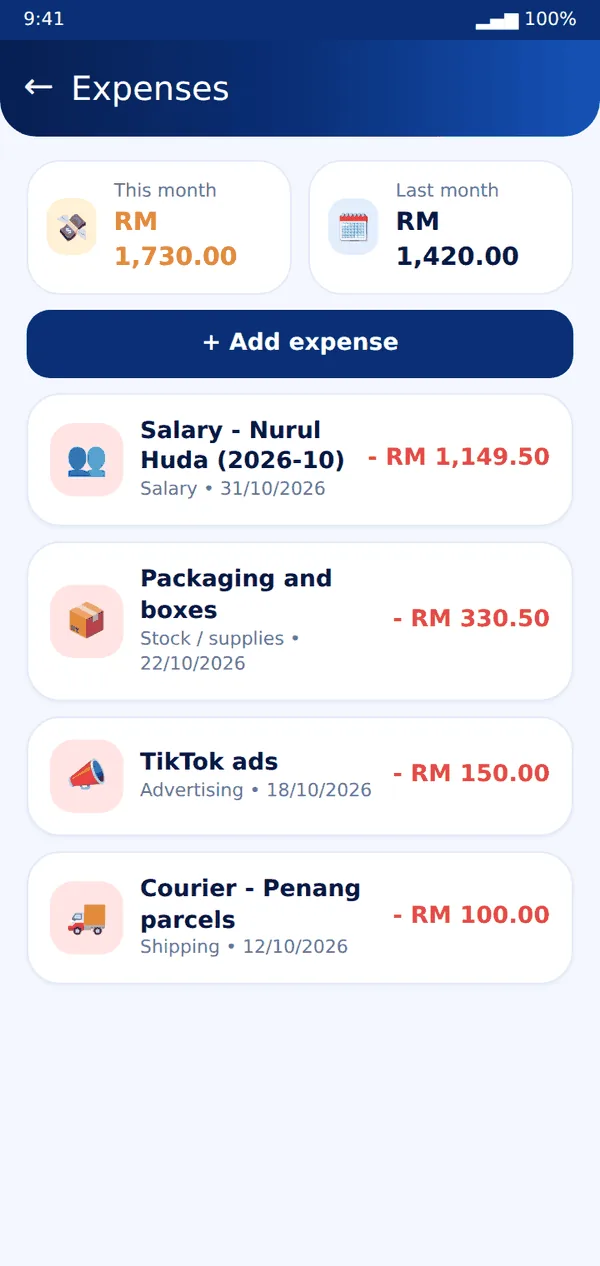
- Open Expenses and add what you spend: stock, ads, shipping, rent, salary and more.
- Back in the Sales report, choose a period to see sales, expenses and net profit.
- On Plus and Pro, tap PDF or Excel to export the report. Each plan has a monthly export limit.
Tip: An invoice counts as a sale in the month you mark it Paid.
Still stuck? Message us on WhatsApp and we will help.